The Bud Bar
6 looks1 shelfrepainted before open

Every screen, beautiful.
Every day.

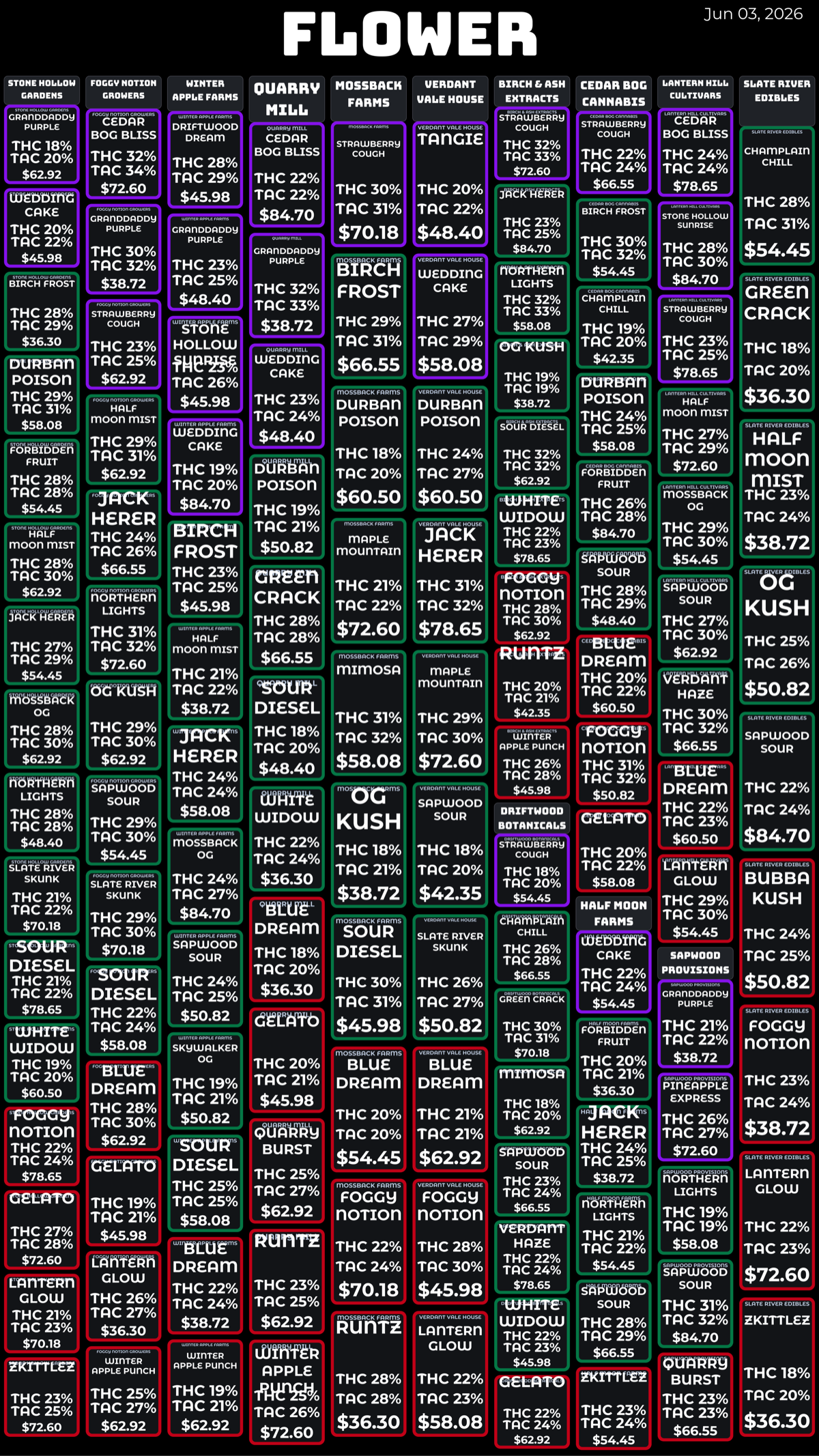
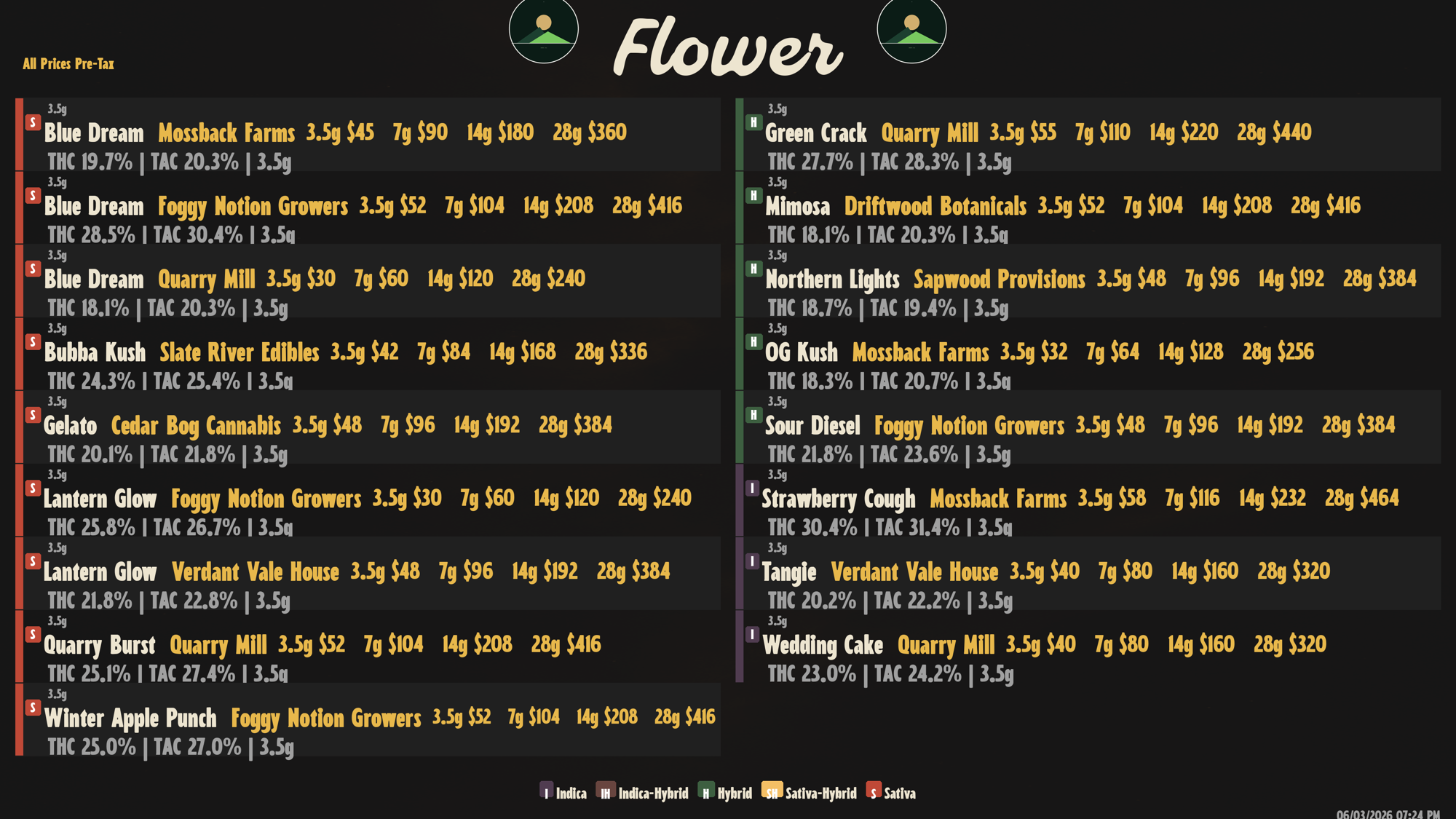
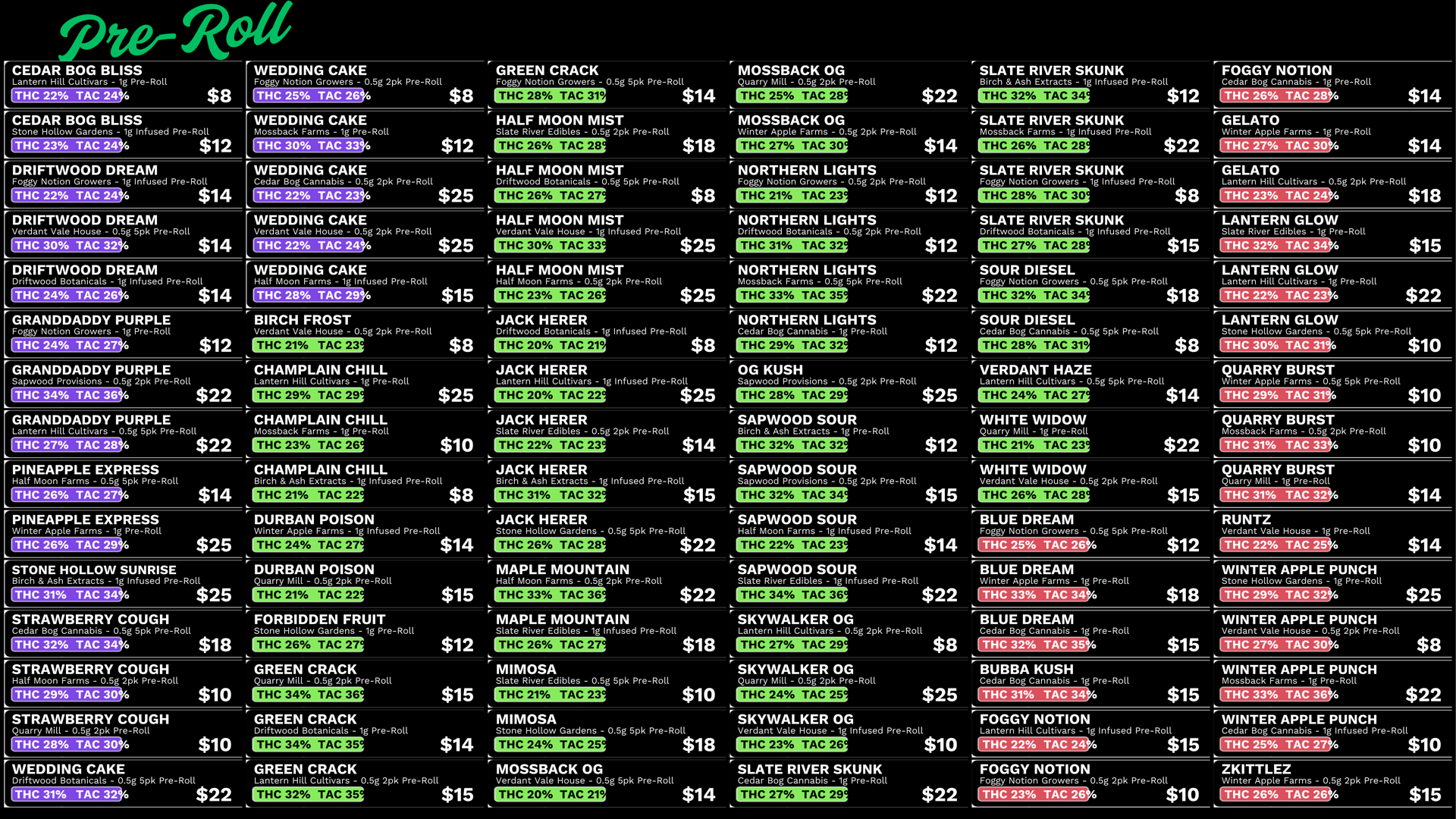
4K TVs across the wall. The deli display behind the bud bar. The lean text-list by the register. Each one wakes up with today's menu painted before the first customer walks in.

Pick the look

Pick the look. We handle the rest.

The best thing you can do for a customer is let them actually see what you've got. Your whole shelf, accurate, readable from across the room -- so they can decide for themselves instead of guessing or asking. Nothing buried, nothing hidden, nothing stale. A wall menu for the room they walk into, a deli display where they linger over the bud, a clean text-list at the register. Pick the look that fits each spot. We keep all of it true to what's actually in stock.
Six looks, one shelf

Every wall in your shop. Its own look.

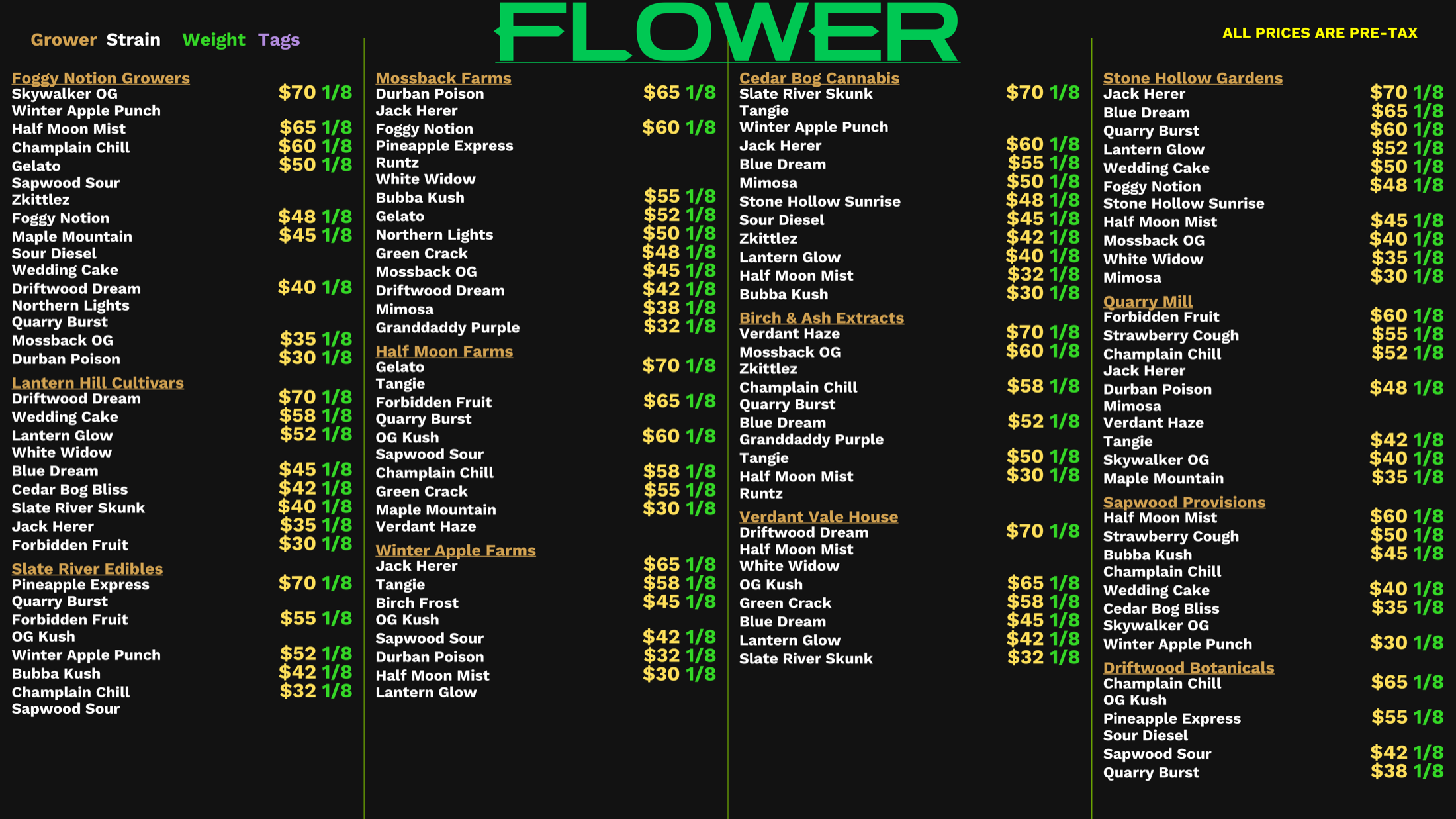
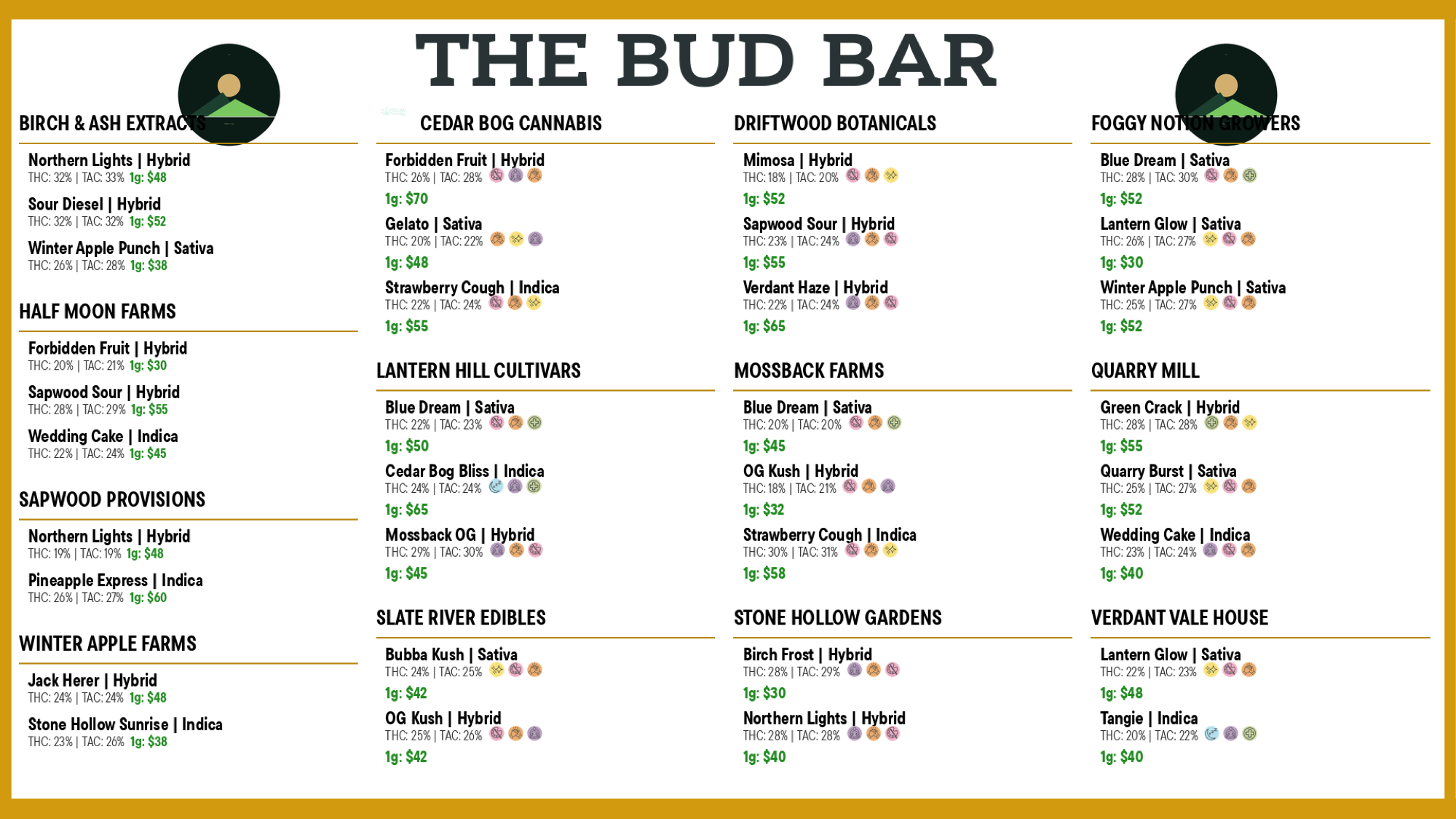
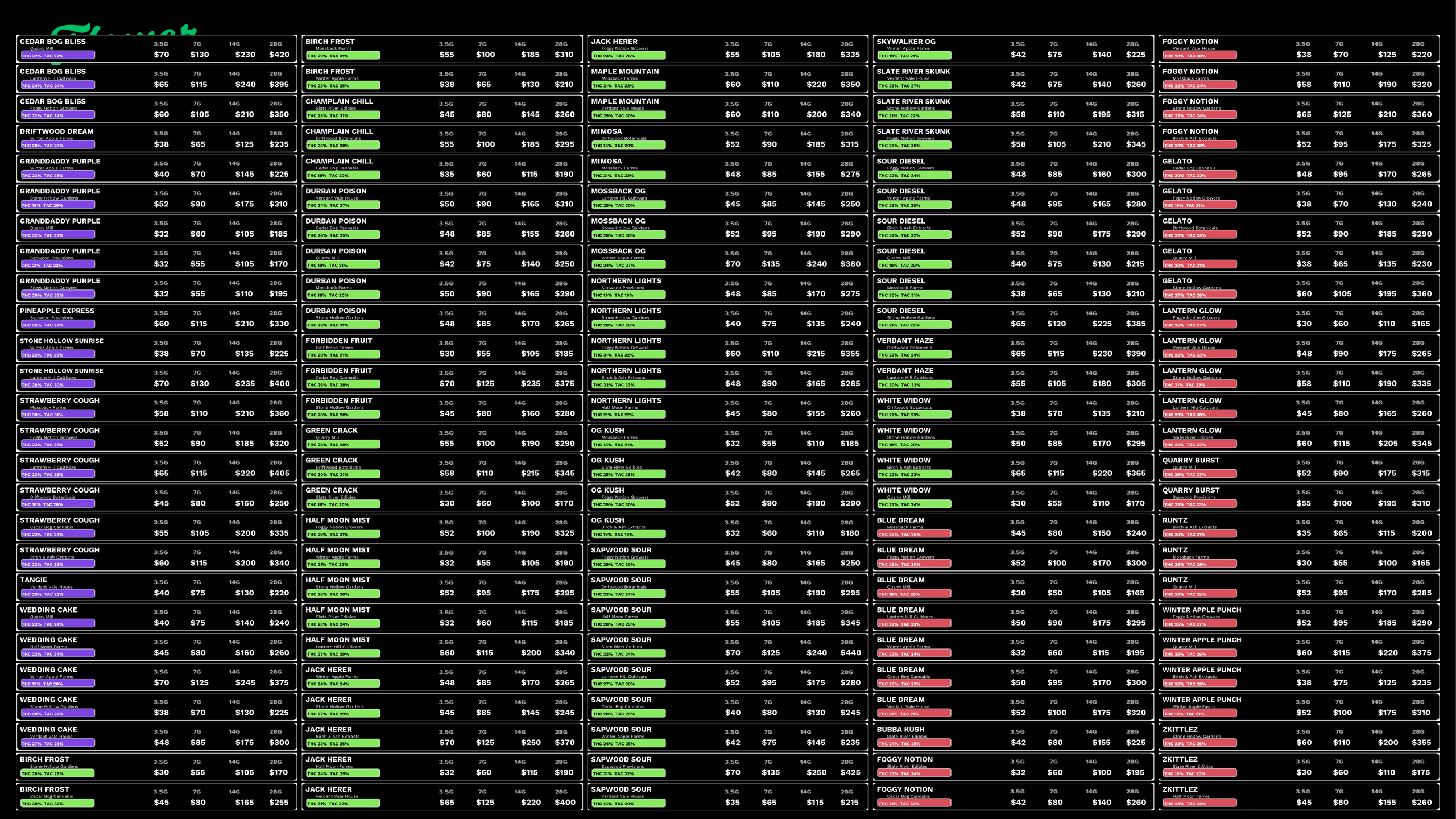
Six different reads of the same inventory. A dense tile-grid for the main wall. Copy-store typography by the register. A deli counter behind the bud bar. A cultivator-led layout, a neon portrait wall, big premium cards. Swap any wall to any look tomorrow morning -- no redo of the data underneath.

Six looks. Same shelf. The wall stays in the language of the room it lives in.

The Art of Binpack

Fit everything. Hide nothing.

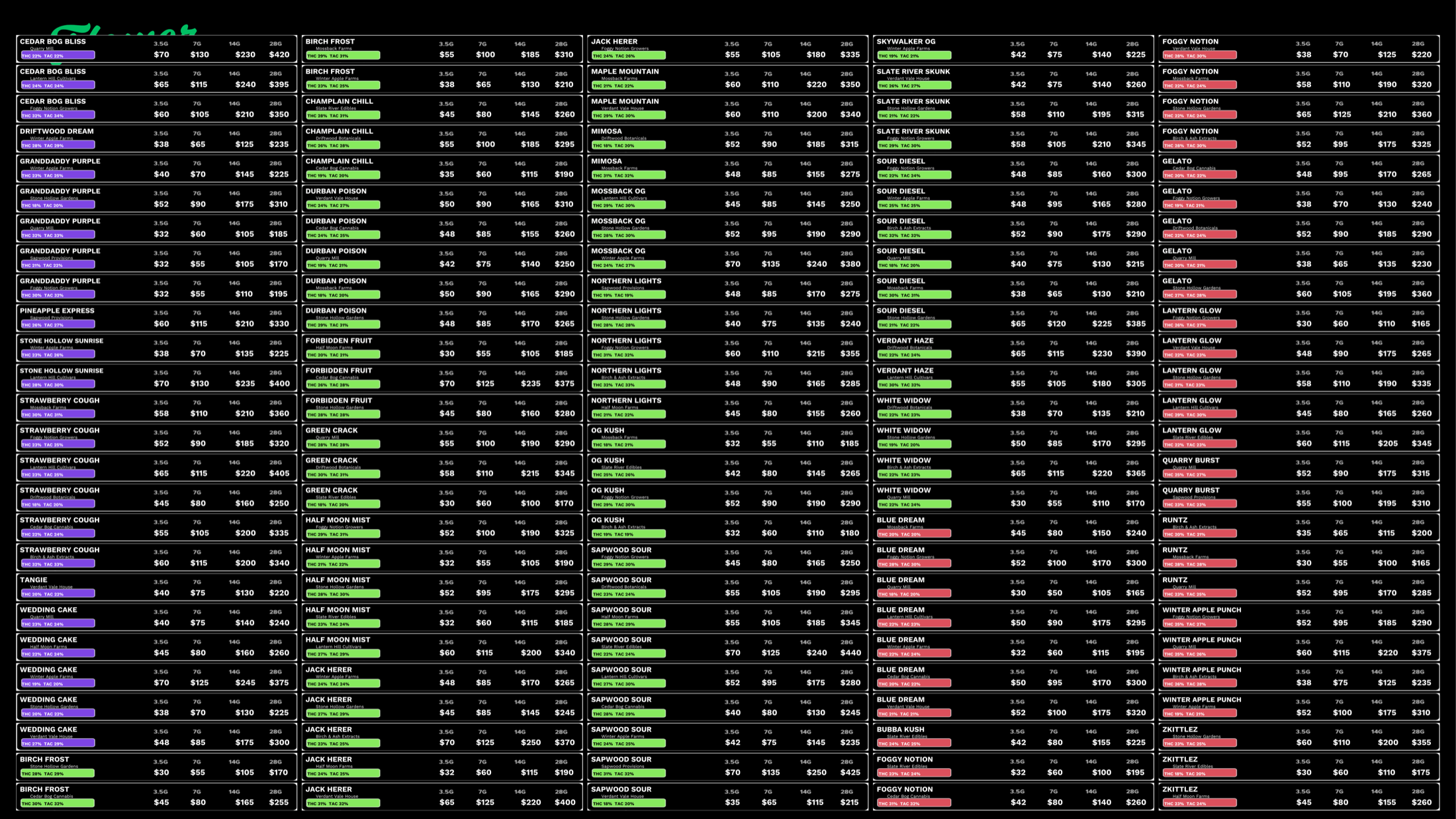
Other software cuts your menu off with a "+12 more". We don't cut. We shrink, we wrap, we restructure the layout -- until every product and every price tier is on one screen at once. No scroll, no next page, no buried back half of your inventory. Readable. Beautiful. Done.

  • Every product on one screen. No scrolling, no pagination, no "+12 more".
  • Every price tier shown -- gram, eighth, quarter, half, ounce.
  • Strain-type color the customer reads across the room.
  • THC and TAC laid out the way budtenders actually use them.
Flower TV menu, binpacked across 16 strains
The real price

The price on the wall is the price they pay.

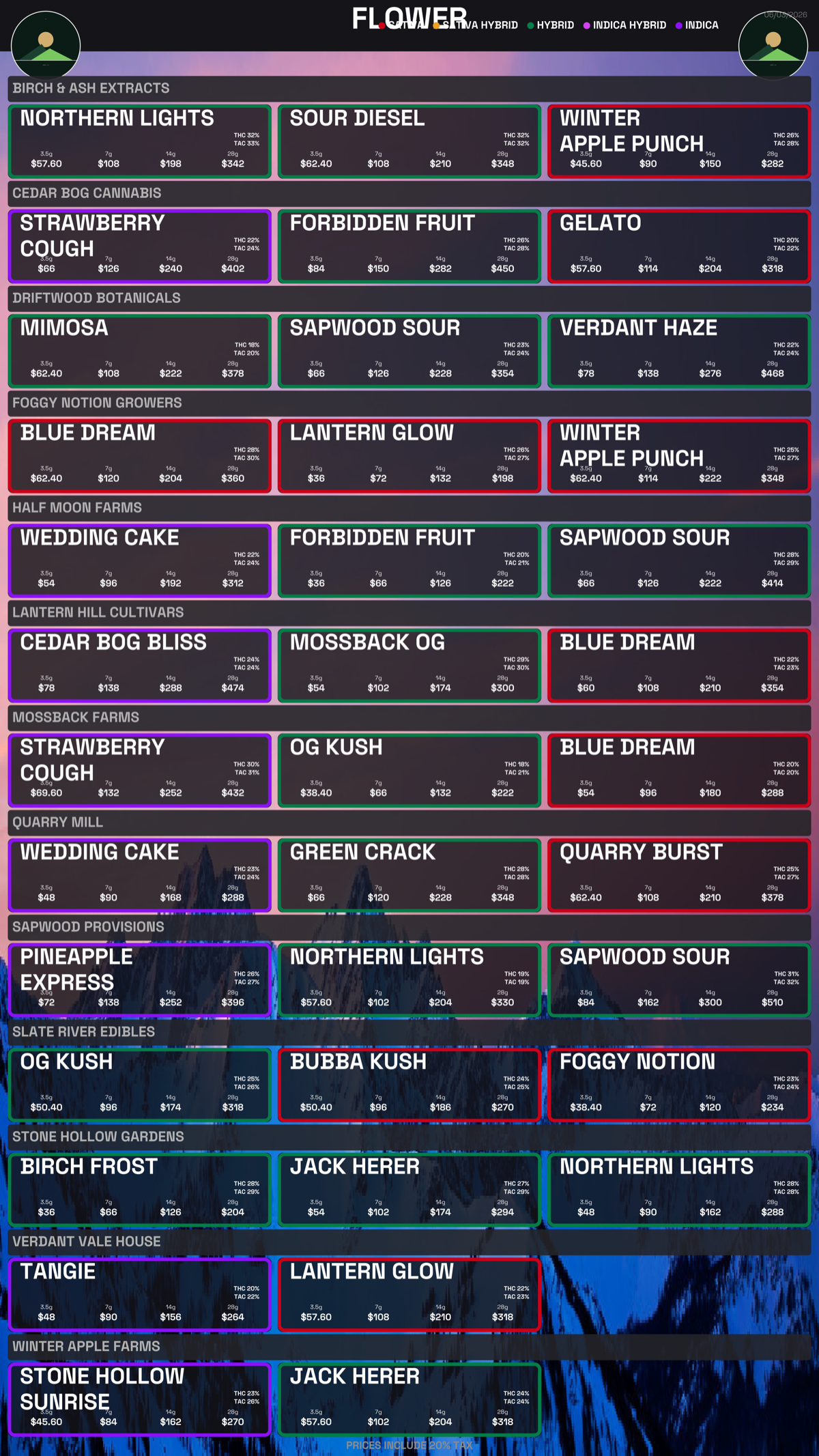
Your deals live in Dutchie. The menu engine reads every one of them and does the math before it paints the screen -- so the number a customer reads across the room is the number that rings up at the register. No mental subtraction, no "wait, is that the sale price?", no surprise at checkout. The screen tells the truth. And you decide which truth: show the shelf pre-tax or post-tax, your call, with the discount already worked in either way.

  • Per-product, per-category, and shop-wide deals -- all applied automatically.
  • Pre-tax or post-tax pricing -- you choose how the number reads, set it per screen.
  • Weight bundles and ounce specials priced right at every tier.
  • Product deals beat category deals beat shop-wide -- resolved the way Dutchie intends.
  • Change a discount in Dutchie, the wall reflects it on the next repaint.
Menu showing live discounted prices pulled from Dutchie
How it connects

The menu is the last mile.

Receive Wizard -> Lab God -> Digital Menus -> Marketing

Receive the pallet once. Match the lab once. Every screen, paper, and email updates itself.

See the full pipeline
Ready

Put a beautiful menu on every screen.